Works with Zoom, Meet and Teams
Hidden from the call. Not from you.
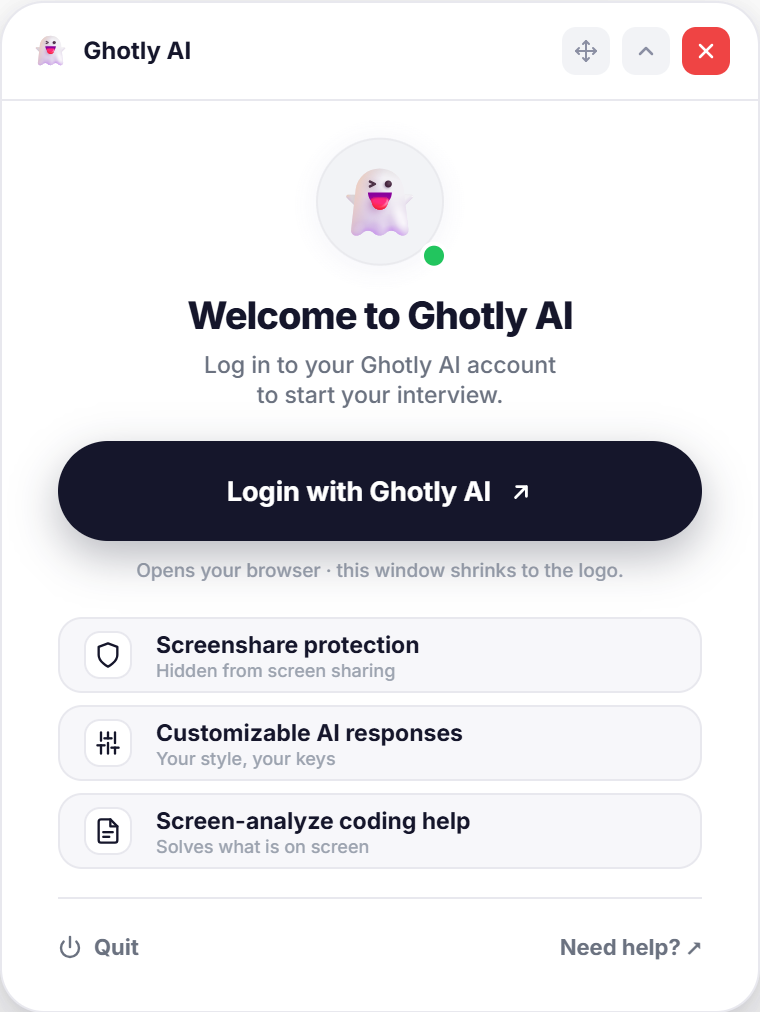
Windows itself keeps the Ghotly AI overlay out of screen capture. Share your screen on Zoom, Google Meet, Microsoft Teams or any of the apps around the ghost, and the overlay stays on your side only.
- Nothing to set up inside the meeting app: the overlay is a separate window on top of it
- Windows 10 (version 2004 or later) and Windows 11
- Run a quick test share on your own setup before the real call



- Zoom
- Google Meet
- Microsoft Teams
- Webex
- Skype
- Slack
- Discord
- GoTo Meeting
- Telegram
- Rocket.Chat
- Amazon Chime
- Messenger
- Mattermost
- Zoho
- Google Chat
- BigBlueButton
- Element
- Signal
- Google Chrome
- Viber
- LINE
- KakaoTalk
- Microsoft Edge
- Calendly
- Firefox
- Vonage
- Zalo
- Brave
- TeamViewer
- Opera
- Threema
- Loom